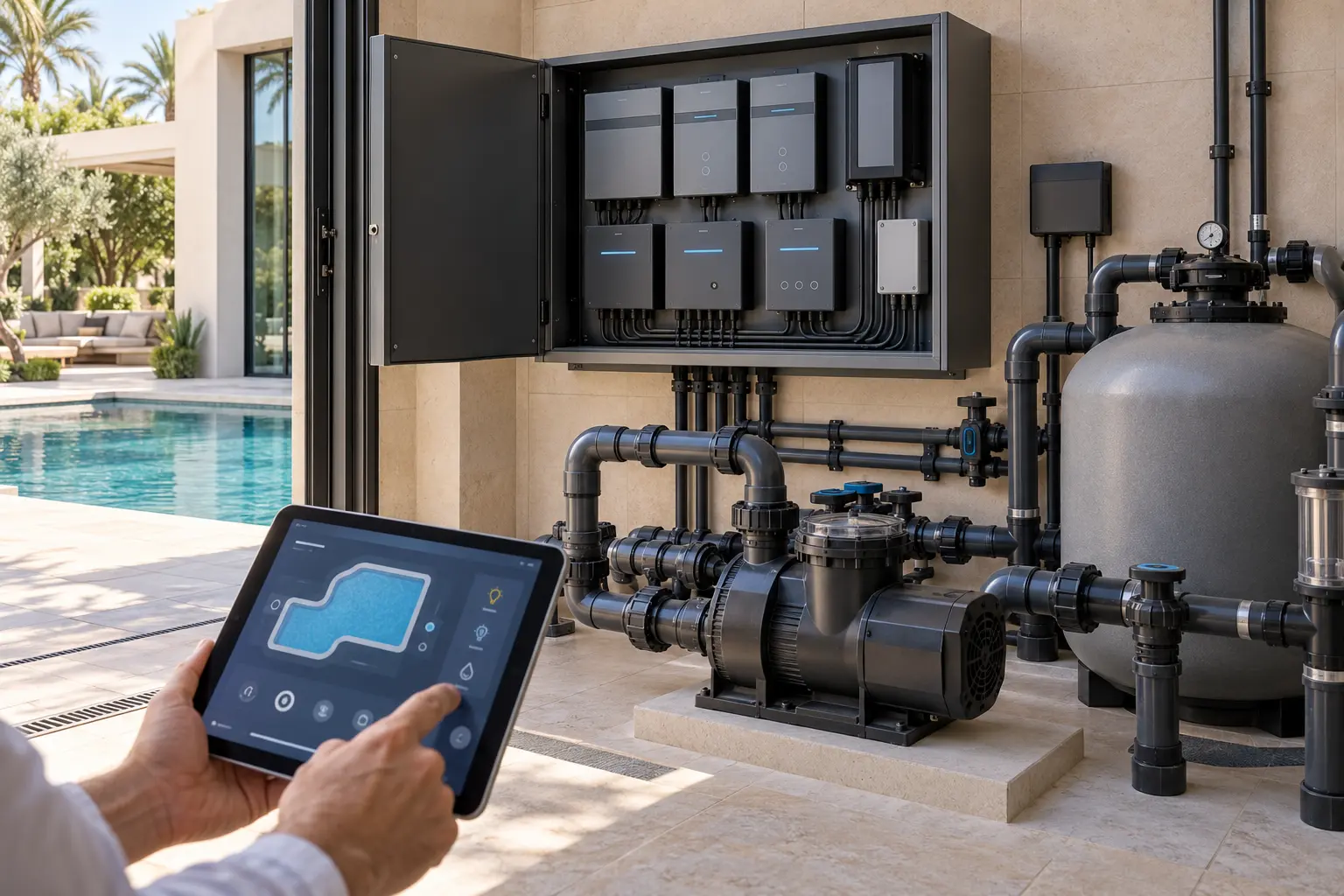
Compare the whole control system against one written operating brief. The useful proposal identifies what is controlled, how each function behaves, what happens without internet access and what the homeowner receives at handover.
Begin with the routines, not the control-panel brand
Pool automation can coordinate circulation, heating or cooling, lights, water features, a spa mode and selected water-care equipment. Write down what the household wants to happen on an ordinary day, when guests use the pool, when the property is vacant and when a technician attends. The proposal should translate those routines into named controlled functions.
Pentair describes IntelliCenter as a central control for multiple pool devices, including water features, lights and pumps. Jandy lists pumps, temperature, lighting, water features, spa settings, valves, filtration and cleaning among possible automation functions. These examples do not prove that any offered panel controls any device; compare the exact configuration and regional support.
Build one control schedule for every bidder
Give proposed suppliers the same schedule. For each function, state the equipment, desired action, operating condition, user control, automatic schedule, feedback shown to the user and fallback if the central controller is unavailable. Keep optional features separate so that price differences remain visible.
Avoid vague rows such as ‘smart pool included’. A variable-speed pump might need more than simple on and off control. A heater or chiller may need a temperature request and an agreed priority. Lighting may involve zones or colour functions. A water feature may depend on a valve and pump sequence. Ask the bidder to mark each requested function as fully supported, limited, separately controlled or excluded.
Swipe or scroll horizontally to compare all columns.
| Function | Proposal evidence to request | Homeowner decision |
|---|---|---|
| Circulation and filtration | Exact pump model, available speeds or programmes, schedule and local override | Which everyday modes should be understandable without a technician |
| Heating or cooling | Compatible equipment, sensors, set-point route, priority and status shown | Who may change temperature and what operating limits apply |
| Lights and water features | Named circuits or interfaces, zones, scenes and required equipment | Which effects are essential and which are optional |
| Integrated spa mode | Valve, pump, temperature and feature sequence with a return-to-pool state | How the changeover should work and who can operate it |
| Water-care equipment | Supported readings or commands, separate controller and alarm responsibilities | What information is genuinely available in the main interface |
| Remote service | Account roles, access method, consent, support scope and revocation route | Whether and when an outside service provider should have access |
Test equipment compatibility at model level
Ask for an equipment-and-interface matrix that names the automation controller, expansion hardware, pump, temperature-control equipment, lights, valves, water-care equipment and any separate gateway. Record the exact model and the communication or control method proposed for each connection. The appointed qualified specialists remain responsible for the property-specific electrical design and installation.
Compatibility has levels. A controller may switch a device without changing its detailed programme or showing its fault state. Manufacturer documentation can change with hardware and software versions, so require current written support for the selected models rather than a general statement that two brands ‘work together’. Identify who accepts responsibility for the complete configuration.
Compare capacity, expansion and the physical installation
Count the required controlled functions and compare them with the capacity of the exact offered panel, not the headline capacity of an entire product family. Pentair’s current IntelliCenter information, for example, lists configurations with different relay counts and expansion options. Another system may divide functions differently. Ask the supplier to show used and spare capacity after the proposed pool, spa, cover, lights and features are assigned.
The automation panel still needs a planned place in the equipment layout. Coordinate weather protection, any required ventilation, clear access, service routes and replaceable parts before walls, cabinets or landscaping restrict the working area. Remote control does not remove the need for accessible local equipment.
Separate local control from internet features
A comparison should show what works locally and what depends on the villa network, a cloud service or a mobile account. Jandy explains that its iAquaLink web-connect device links the AquaLink control centre to the internet router, while the app monitors and adjusts equipment controlled by the AquaLink system. Pentair likewise presents app-based control alongside its local touchscreen. The architecture of the offered system matters more than the promise of a phone app.
Ask who provides the network path, where the connection point is located, what signal or cable is required and who troubleshoots a connection problem. Record the local panel controls, schedules and status available during an internet outage. Confirm software-account availability for the region, supported mobile platforms, ownership of the primary account and the process for transferring or removing access when a property manager or service company changes.
Make permissions and remote support explicit
Remote monitoring can be useful, but access should be deliberate. Ask whether the system distinguishes owner, household and service roles, what each role can change and how access is revoked. Keep the primary account under the homeowner’s control and document service access at handover.
A connected dashboard is not a maintenance contract and a notification is not proof that someone will act. If remote service is offered, request the covered equipment, monitored conditions, response route, operating hours, fees, privacy information and the point at which the homeowner is contacted. Keep marketing about ‘peace of mind’ separate from the written support commitment.
Normalise the quotations before comparing totals
One quotation may include a load centre, controller, gateways, sensors, valve actuators, relays, app setup and commissioning. Another may list only the main controller and assume the pool contractor supplies everything around it. Rebuild both proposals around the same control schedule and mark every included component, enabling work and exclusion.
Request separate prices for essential control, preferred convenience features and future-ready allowances. The comparison should identify equipment delivery, panel installation, property connections, network coordination, software setup, functional testing, homeowner training, as-installed records, warranties and local support. Do not infer a lower whole-project cost from a controller price alone.
Use this pool-automation proposal checklist
Before accepting a proposal, verify the following with the appointed pool, automation and qualified building-services specialists. This is a briefing and comparison checklist, not wiring or programming instruction.
- Every required operating routine is described in plain language
- Each pump, heater or chiller, light, valve, feature and water-care device is identified by model
- The proposal states the control or communication method and level of functionality for each device
- Used capacity, spare capacity and any expansion hardware are shown
- The panel, sensors, gateways and connection points are located on the equipment layout
- Local operation and the behaviour during an internet outage are explained
- Network responsibility, account ownership, user roles and remote-service access are defined
- Essential functions and optional convenience features are priced separately
- Commissioning tests cover every agreed mode, schedule, status and fallback
- Handover includes a labelled schedule, model records, backups or configuration records where available, training, warranties and support contacts
Commission the agreed operating brief
Commissioning should demonstrate the control schedule rather than merely prove that the app opens. Observe each everyday mode, schedule, temperature request, light or feature zone, spa changeover if present, local override and agreed internet-loss behaviour. Confirm that names in the interface match labels at the equipment and that the household can return the system to its normal state.
For a Veyrune swimming-pool construction discussion, share the proposed equipment list, pool and spa features, temperature-control brief, plant-room location and the routines the household wants. The next useful output is one control schedule and equipment matrix that suitable suppliers can answer, followed by property-specific coordination and commissioning by the appointed specialists.
Frequently asked questions
01Does every pool need a full automation system?
No. A straightforward pool may be understandable and practical with local controls, timers and a clearly labelled plant area. Automation is useful when it brings several compatible functions into one operating plan, but extra hardware and remote access also add configuration, account and support questions. Compare a proportionate controls route with the full system rather than assuming the most connected proposal is automatically the best one.
02Can pool automation control equipment from different manufacturers?
Possibly, but compatibility must be confirmed for the exact model, interface and required function. A proposal should not treat a brand name or a generic relay output as proof that every setting, speed, status or fault can be exchanged. Ask the automation supplier and equipment suppliers to identify supported integrations in writing, then record any device that will remain on a separate controller.
03What should happen if the villa internet connection fails?
The selected system should have a documented local operating route appropriate to its design. Ask which schedules continue, which functions remain available at the control panel, how a safe manual intervention is made and what needs to be reconnected when internet service returns. Do not wait for commissioning to discover that the household only knows how to use the phone app.
Sources and further reading
Pentair: IntelliCenter Pool Control System functions, app, expansion and product resources ↗Checked Thursday, 15 October 2026Jandy: Pool and spa automation functions and system comparison ↗Checked Thursday, 15 October 2026iAquaLink: How the app, control centre and internet connection work together ↗Checked Thursday, 15 October 2026Confirm current requirements for your property and selected equipment. Product examples do not imply a supplier relationship or local availability.
This is an editorial planning guide, not a property survey, approved design or installation specification. Project requirements are confirmed by the appointed specialists.
Let’s bring it back to your home.
Explore the complete service and share a first brief for your property.
New swimming pools in Dubai